Anonymize people
Blur or hide faces in photos
Drop a photo, we find every face, you decide which to keep — hide, blur, or pixelate them in seconds. A face anonymizer that's anonymous by default; your image is deleted within an hour.
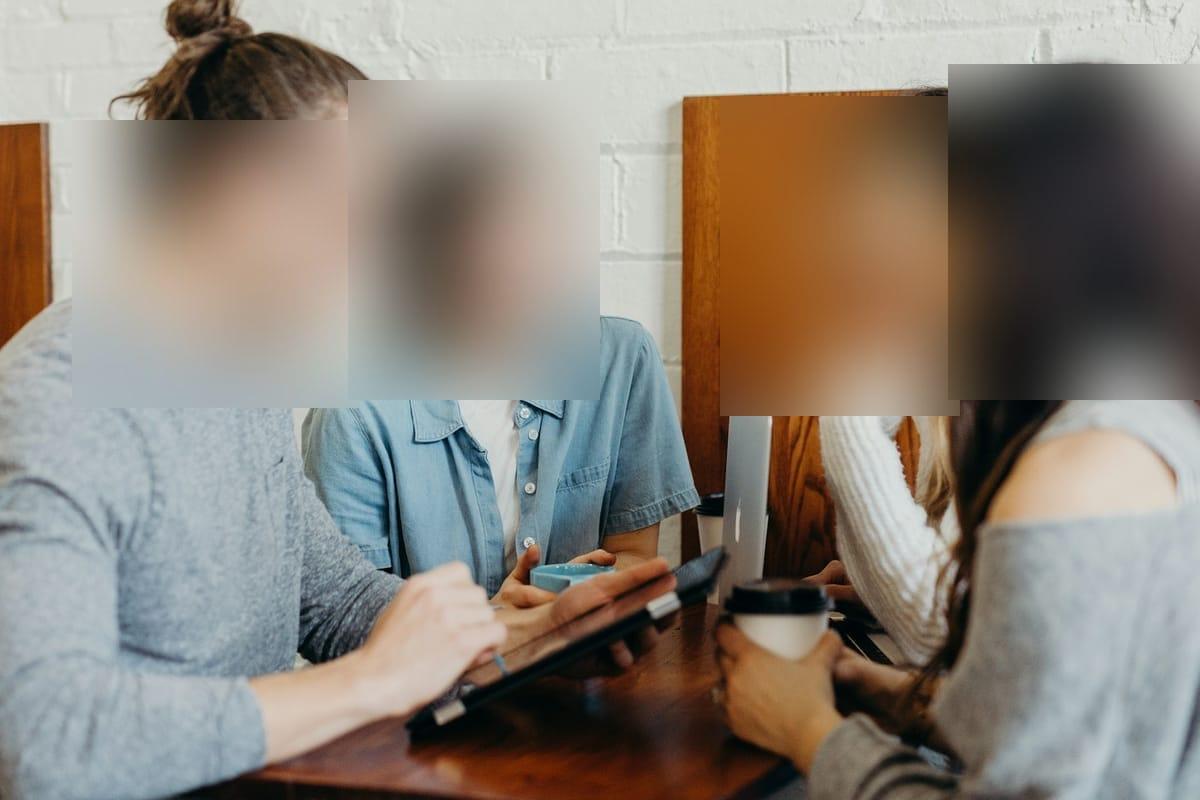
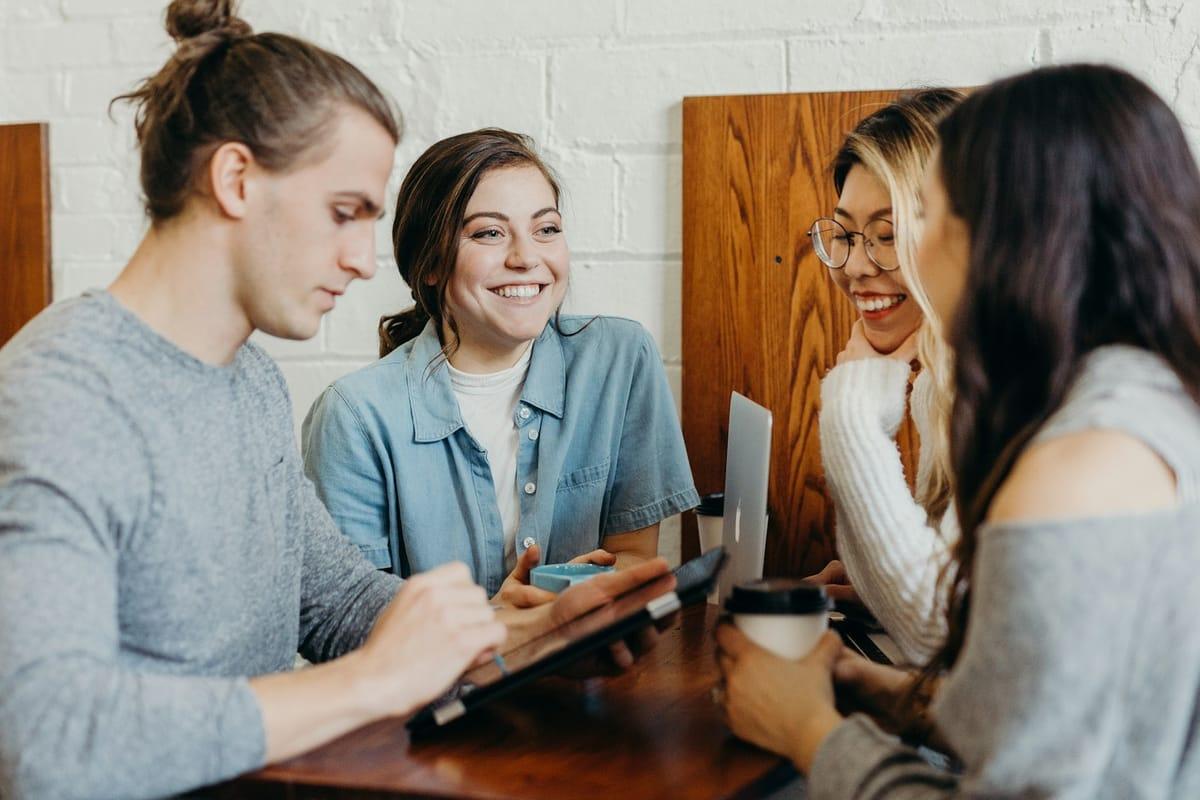
How it works for faces.
Drop the photo
JPEG, PNG, WebP, HEIC/HEIF — up to 20 MB. Sent directly to encrypted storage, never to a third-party server.
Faces appear, outlined
AWS Rekognition finds every face with a tight bounding box. You see them as outlined regions on the canvas. Toggle any off.
Choose your blur, export
Gaussian, pixelate, solid fill, color overlay, or an emoji sticker. Live preview. Download with EXIF and GPS metadata stripped.
Questions, honestly answered.
- How accurate is the face detection?
- Very. AWS Rekognition's DetectFaces returns a tight bounding box and 27 landmarks per face with confidence usually >99% on clear front-facing portraits. Side profiles and crowd scenes are weaker — the editor lets you draw a region manually when that happens.
- Can I use this for kids' photos before posting?
- That's one of the most common use cases. Drop the photo, every face is highlighted, blur the ones you want hidden, leave the rest, export. No account, no record of the photo after an hour.
- Does Blurify store the faces it detects?
- No. We never store face descriptors, embeddings, or any biometric data. The bounding boxes live in your browser tab only. The image itself is auto-deleted from S3 within an hour.
- Will the blur survive screenshot un-blurring tools?
- Yes — we apply a destructive Sharp-pixel blur to the final JPG, not a reversible CSS filter. Once exported, the original pixels in the blurred region are mathematically replaced.
- Blur looks too soft — can I use blocks instead?
- Yes — the Pixelate style censors with hard blocks, and it has its own walkthrough: see Pixelate a face. Same detection, different statement.
- What formats and sizes are supported?
- JPEG, PNG, WebP and HEIC/HEIF, up to 20 MB per photo. Exports re-encode to your chosen format with metadata stripped.
- Is the original photo kept anywhere?
- It sits in encrypted storage just long enough to process, then auto-deletes within an hour. No account, no library, no history.
- Is there a face blur app for iPhone or Android?
- You don't need one — Blurify runs in the mobile browser on both iPhone and Android, with touch controls for adjusting regions. Nothing to install, no account, and the export carries no watermark.
- What's the fastest way to hide a face in a photo?
- Drop the photo, and the face is already outlined by the time you've looked — pick a style and export. Well under a minute. If you want every face hidden in one pass instead of choosing, the Face anonymizer page is built around exactly that.
- How do I make a face unrecognizable?
- Cover the whole face — hairline to chin — and don't be shy about the region size. A strong gaussian blur works; hard pixel blocks (see Pixelate a face) read as more deliberate; Solid fill is the only style that leaves nothing to reconstruct. If you can still guess the expression, go stronger. Prefer a playful cover? Hide a face with an emoji puts a sticker over the whole face instead.
- Is blurring faces enough for GDPR anonymization?
- Blurring and pixelation are widely used to reduce identifiability in published images, and Blurify's export also strips the metadata that can place a photo. But anonymization is judged by outcome, not by tool — context like clothing, location, or captions can still identify someone, and this isn't legal advice. For the strongest region treatment, use Solid fill.
Guides
Try it. Your photo never leaves your hand.
Free, anonymous, deleted within an hour. No account to sign up for, no watermark on the export.
Open the editorOther things Blurify hides for you.
Every face, hidden in one pass
anonymous
Anonymize every face in a photo — found and hidden in one pass.
See how →
Hide a plate, hide the vehicle
plates
Strip a license plate from a car photo before you post it.
See how →
Car number, reg plate — covered
hidden
Hide a car number or reg plate before the photo goes public.
See how →
Hide names, numbers, addresses
documents
Black out names, numbers, and signatures on a document photo or scan.
See how →
Show the bug, hide the data
screens
Sanitize a screenshot before sharing the bug or the chat.
See how →
Block it out
pixelate
Censor a face with hard pixel blocks instead of a soft blur.
See how →
The metadata you can't see
exif
Strip GPS, camera model and timestamps from any photo.
See how →
Names, numbers, anything written
text
Hide names, emails and numbers written anywhere in an image.
See how →
Your home stays private
address
Blur a house number or street sign before a listing goes live.
See how →
Blur, pixelate, black bar, or an emoji
censor
Censor a photo with blur, pixel blocks, a black bar, or an emoji.
See how →
One spot, not the whole shot
region
Blur one region of a picture and keep the rest sharp.
See how →
Blur nudity
nudity
Auto-detects nudity per body part. Blur only what needs hiding.
See how →
Emoji face cover
emoji
Put an emoji or a sticker over any face — found automatically, covered completely.
See how →
The room behind you talks
backdrop
Hide the room, the street, or the office standing behind you.
See how →