One spot, not the whole shot
Blur part of an image — not all of it.
Blur just one part of a picture — a stranger in the background, one line on a label, a corner of a screen — and leave everything else pin-sharp. Drag a box, pick a style, export.
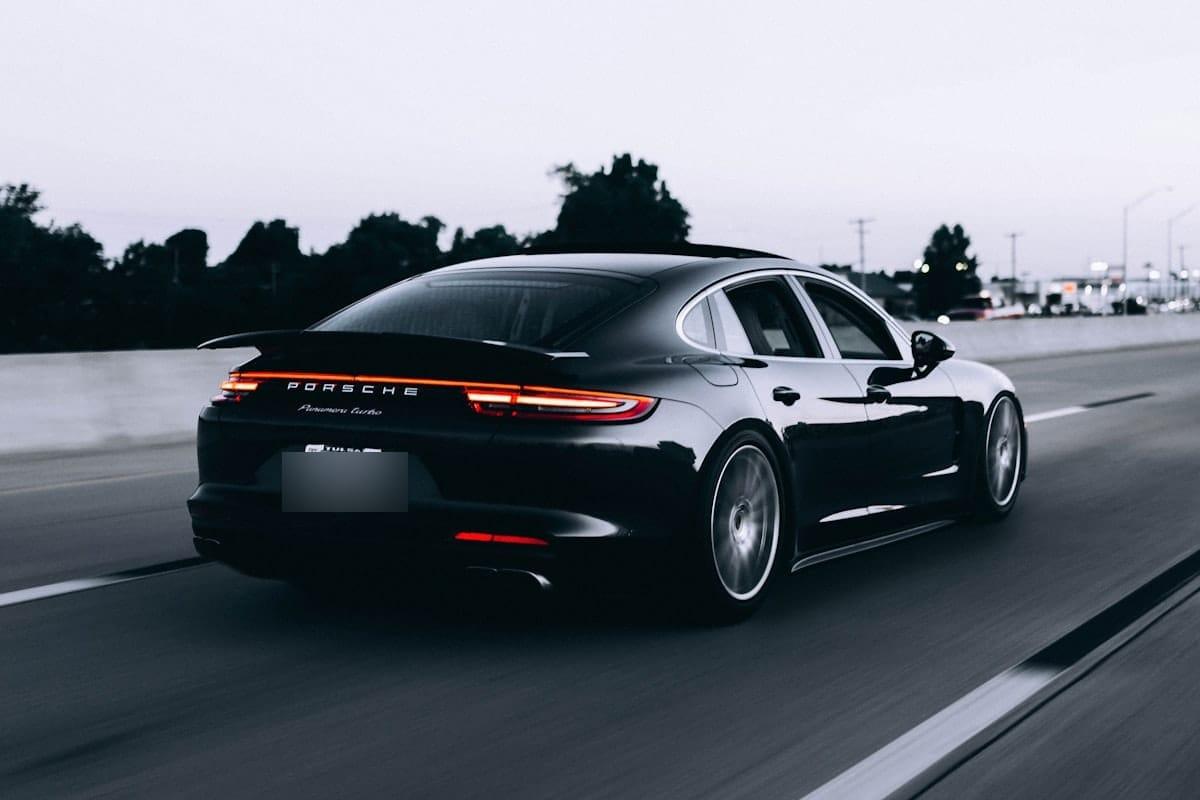
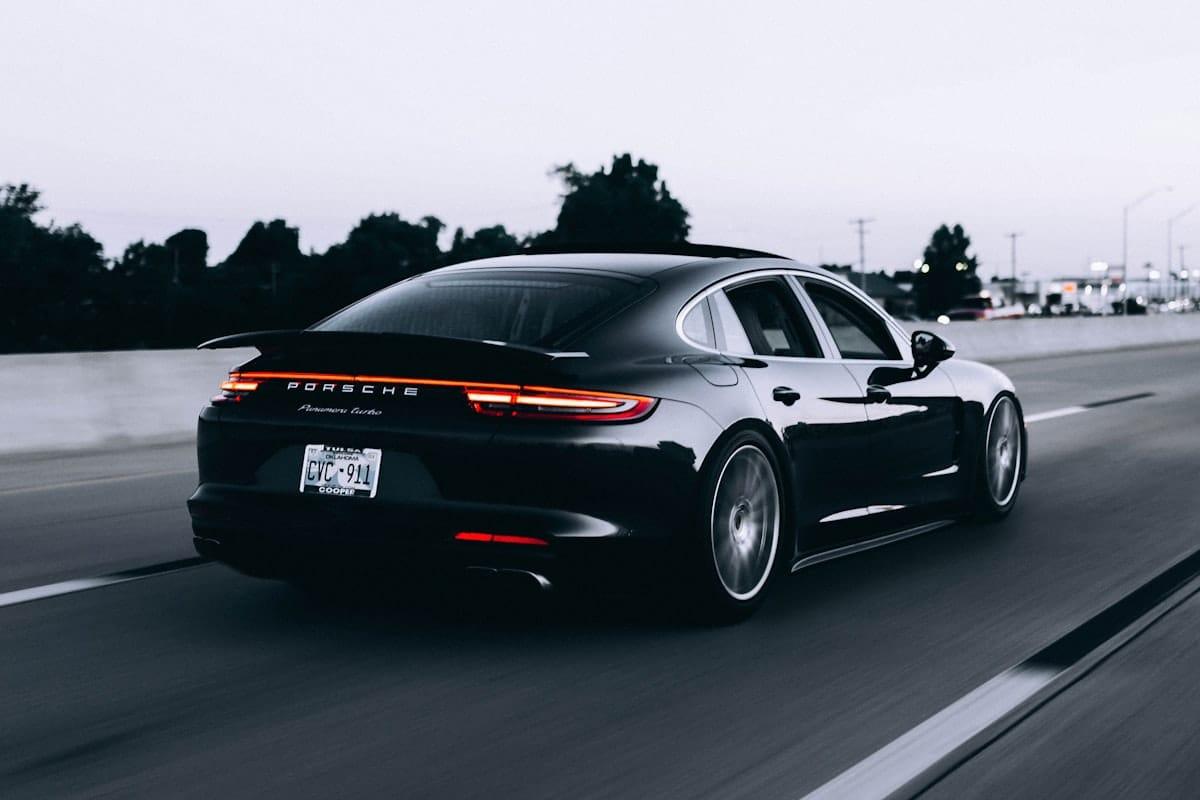
How it works for region.
Drop the image
JPEG, PNG, WebP, HEIC/HEIF — up to 20 MB. Want faces, plates or screens outlined for you? They're one click away under “Scan for”.
Drag a box over the part to hide
If you turn on a category under “Scan for”, its suggestions are a head start; the point of this page is the rectangle you draw yourself — anywhere in the image, any size, up to 100 per photo.
Style it, export — the rest stays sharp
Gaussian, pixelate, solid fill, or a sticker, set per region. Export re-encodes the image with your regions baked in and EXIF stripped; everything outside them keeps its detail.
Questions, honestly answered.
- Can I blur several parts of one image?
- Yes — up to 100 regions per image, each with its own style and strength. One pass covers a face here, a name there, and a screen in the corner.
- Does the rest of the picture lose quality?
- The export re-encodes the image — that's what makes the blur permanent and strips the metadata — but nothing outside your regions is filtered. For UI captures and text, export PNG to keep edges crisp; for photos, high-quality JPEG is indistinguishable in practice.
- Can it blur the background of a photo?
- It can, but not from this page — that is a whole-image job rather than a regional one. Blurify finds the subject on its own and then softens, removes or recolours everything behind it; you'll find it as Background in the editor. Use this page when one specific spot behind you is the problem, and that one when the whole scene is.
- Do I need an app on iPhone or Android?
- No — the editor runs in the mobile browser on both, and regions are drawn with touch. No install, no account, no watermark on the export.
- How precise can a region be?
- As tight as you can drag it — a region can cover one word, one eye strip, one house number. If the job is many small text regions on a page, the Blur text in an image guide is the deeper walkthrough.
Guides
Remove a license plate from a photo
What people mean by 'remove', and the honest difference between covering and erasing.
How dealerships blur number plates
Doing a whole shoot in one pass, and keeping the style consistent across a listing.
Blur part of a photo on iPhone or Android
The no-app walkthrough: browser editor, touch controls, HEIC straight off the camera.
Try it. Your photo never leaves your hand.
Free, anonymous, deleted within an hour. No account to sign up for, no watermark on the export.
Open the editorOther things Blurify hides for you.
Anonymize people
faces
Blur faces in seconds. Auto-detected, manually adjustable.
See how →
Every face, hidden in one pass
anonymous
Anonymize every face in a photo — found and hidden in one pass.
See how →
Hide a plate, hide the vehicle
plates
Strip a license plate from a car photo before you post it.
See how →
Car number, reg plate — covered
hidden
Hide a car number or reg plate before the photo goes public.
See how →
Hide names, numbers, addresses
documents
Black out names, numbers, and signatures on a document photo or scan.
See how →
Show the bug, hide the data
screens
Sanitize a screenshot before sharing the bug or the chat.
See how →
Block it out
pixelate
Censor a face with hard pixel blocks instead of a soft blur.
See how →
The metadata you can't see
exif
Strip GPS, camera model and timestamps from any photo.
See how →
Names, numbers, anything written
text
Hide names, emails and numbers written anywhere in an image.
See how →
Your home stays private
address
Blur a house number or street sign before a listing goes live.
See how →
Blur, pixelate, black bar, or an emoji
censor
Censor a photo with blur, pixel blocks, a black bar, or an emoji.
See how →
Blur nudity
nudity
Auto-detects nudity per body part. Blur only what needs hiding.
See how →
Emoji face cover
emoji
Put an emoji or a sticker over any face — found automatically, covered completely.
See how →
The room behind you talks
backdrop
Hide the room, the street, or the office standing behind you.
See how →