Every face, hidden in one pass
Face anonymizer — every face, one pass.
A face anonymizer that does the whole job: drop a photo, every face is found automatically, and one pass hides them all — blurred, pixelated, behind a solid bar, or under an emoji sticker. No account, and the photo is deleted within an hour.
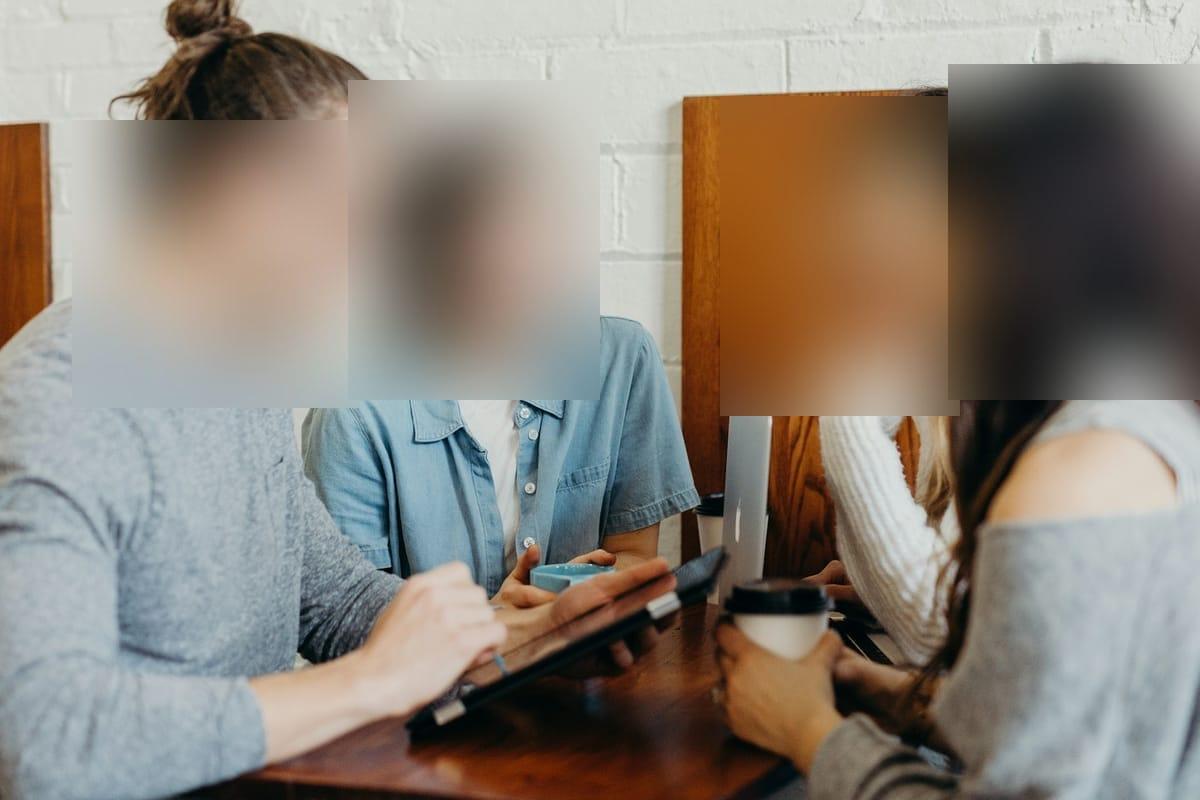
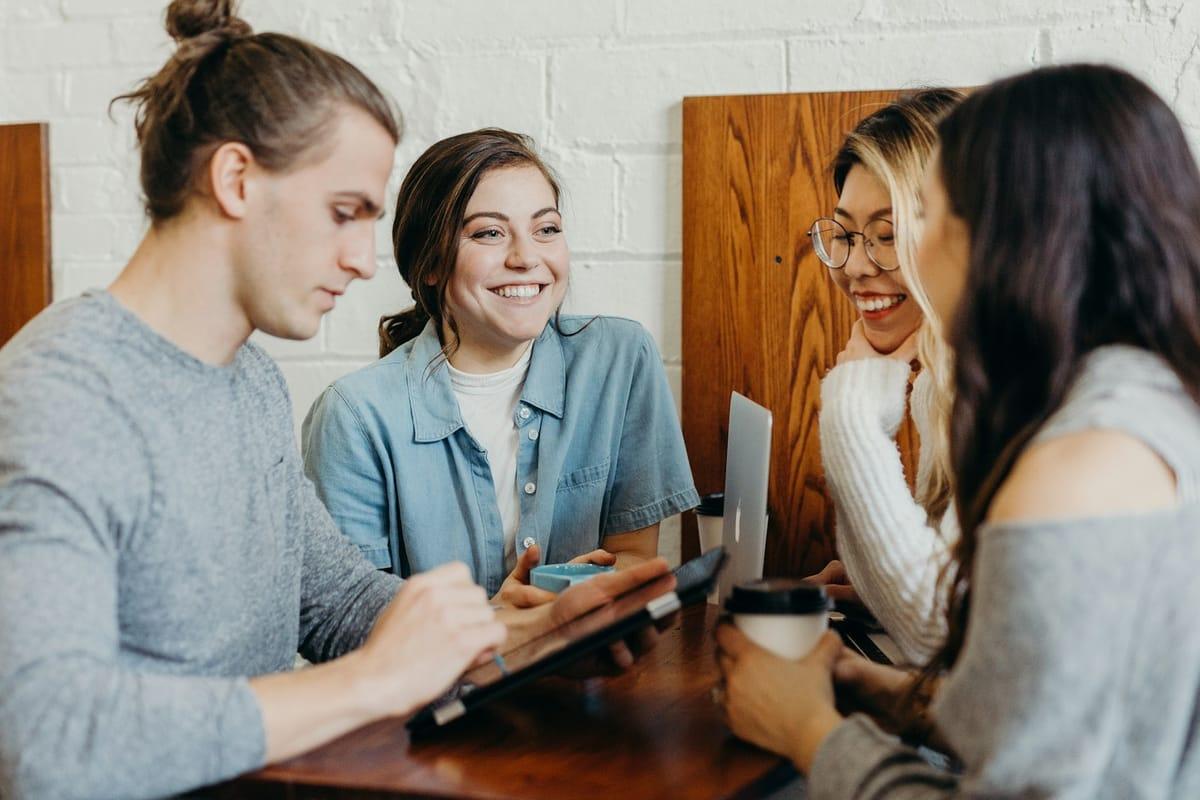
How it works for anonymous.
Drop the photo
JPEG, PNG, WebP, HEIC/HEIF — up to 20 MB. It goes straight to encrypted storage and auto-deletes within an hour.
Every face comes back outlined
AWS Rekognition detects each face separately — group shots included. All of them start selected; untick a face to keep it visible.
Pick the anonymization style, export
Gaussian blur, pixel blocks, a solid bar, or an emoji sticker, set per face. The export rewrites the pixels and strips EXIF and GPS metadata — the anonymization is in the file, not on top of it.
Questions, honestly answered.
- Is this a photo anonymizer, or only a face anonymizer?
- Both. Faces are the all-on default, and licence plates, document text carrying personal data, and screens are one click away under “Scan for” — so you can anonymize a whole image, not only the people in it. Every export also has its EXIF and GPS metadata stripped.
- What does a face anonymizer actually do?
- It finds the faces in an image and destroys the identifying pixels — here by blurring, pixelating, or covering each detected face. Blurify also strips the photo's EXIF metadata on export, because GPS coordinates can identify a photo's subject as surely as a face can.
- How do I anonymize a face in a photo?
- Drop the photo in the editor, wait a second for detection, and every face appears outlined and selected. Pick a style — blur, pixel blocks, a solid bar, or an emoji sticker — and download. Only want some faces hidden? Untick the rest. The whole thing takes under a minute.
- Blur, pixelate, or a solid bar — which anonymizes best?
- They are all destructive edits in the export. Blur is the most photographic; pixelation reads as deliberate censoring; a solid bar replaces the region entirely and is the strongest choice. The Blur faces and Pixelate a face pages go deeper on the first two, and Hide a face with an emoji covers the fourth option.
- Can an anonymized face be recovered from the export?
- Not from the pixels — the export re-encodes the image with the regions rewritten, so there is no original face hiding under a filter. One honest caveat: very coarse pixelation of tiny regions has been reconstructed in research settings, so use a generous block size — or the solid bar, which leaves nothing to reconstruct.
- Does it anonymize every face in a group photo?
- Yes — each face is detected as its own region, ten or fifty of them, and all start selected. Keep your friends visible by unticking them; the strangers in the background stay hidden.
- Is this face anonymizer free? What's the catch?
- Free, no account, no watermark, and the upload auto-deletes within an hour. Blurify stores no face descriptors or biometric data and keeps no library of uploads — the anonymizer is the product, not your photos.
- Faces are hidden — is the photo now anonymous?
- The pixels are one of three jobs. The file's metadata (stripped automatically here) and the context around the photo — captions, uniforms, a recognizable place — are the other two. The How to anonymize a photo guide walks through all three.
Guides
Try it. Your photo never leaves your hand.
Free, anonymous, deleted within an hour. No account to sign up for, no watermark on the export.
Open the editorOther things Blurify hides for you.
Anonymize people
faces
Blur faces in seconds. Auto-detected, manually adjustable.
See how →
Hide a plate, hide the vehicle
plates
Strip a license plate from a car photo before you post it.
See how →
Car number, reg plate — covered
hidden
Hide a car number or reg plate before the photo goes public.
See how →
Hide names, numbers, addresses
documents
Black out names, numbers, and signatures on a document photo or scan.
See how →
Show the bug, hide the data
screens
Sanitize a screenshot before sharing the bug or the chat.
See how →
Block it out
pixelate
Censor a face with hard pixel blocks instead of a soft blur.
See how →
The metadata you can't see
exif
Strip GPS, camera model and timestamps from any photo.
See how →
Names, numbers, anything written
text
Hide names, emails and numbers written anywhere in an image.
See how →
Your home stays private
address
Blur a house number or street sign before a listing goes live.
See how →
Blur, pixelate, black bar, or an emoji
censor
Censor a photo with blur, pixel blocks, a black bar, or an emoji.
See how →
One spot, not the whole shot
region
Blur one region of a picture and keep the rest sharp.
See how →
Blur nudity
nudity
Auto-detects nudity per body part. Blur only what needs hiding.
See how →
Emoji face cover
emoji
Put an emoji or a sticker over any face — found automatically, covered completely.
See how →
The room behind you talks
backdrop
Hide the room, the street, or the office standing behind you.
See how →