Show the bug, hide the data
Blur or redact a screenshot
Need to share a bug report or a UI screenshot but it has real user data on screen? Blurify redacts the bits that matter — blur, pixelate, or black them out. Redacting a paper form or an ID instead? See Redact a document.
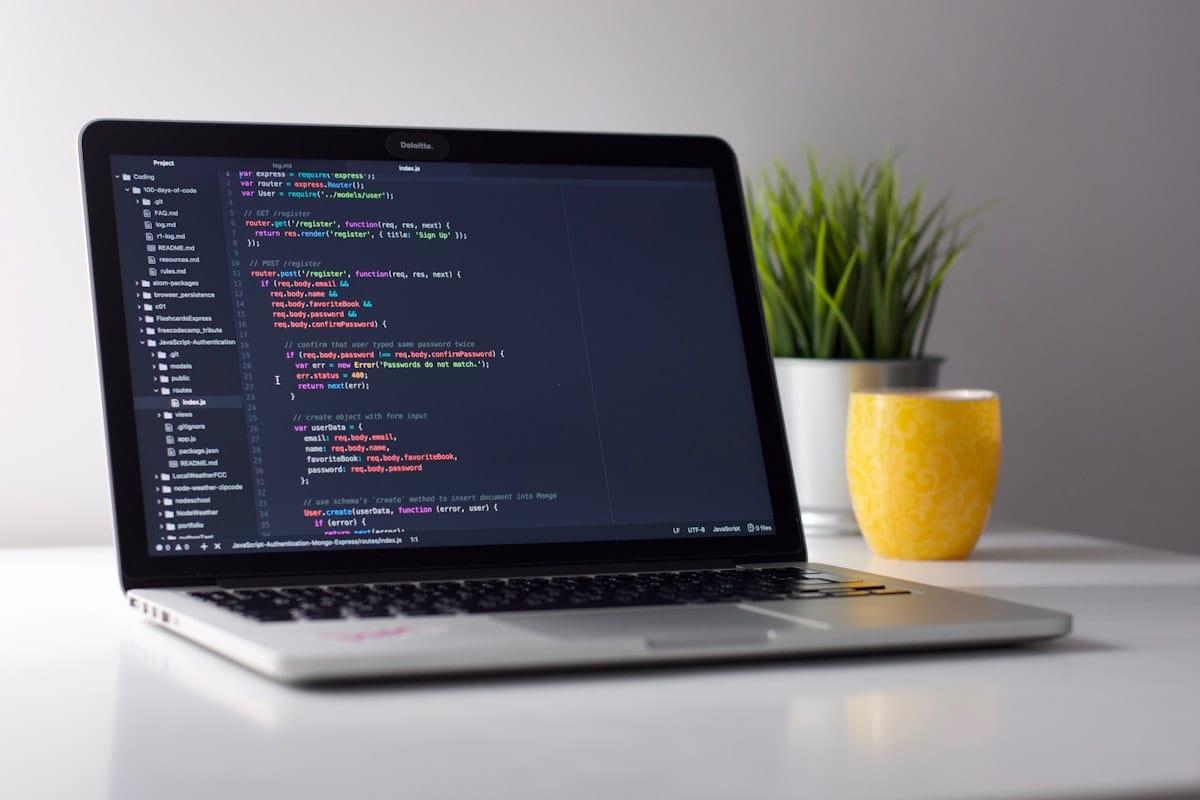
How it works for screens.
Drop the screenshot
Anything: code editor, Slack thread, dashboard, mobile app screen, terminal output. Up to 20 MB.
Sensitive bits get outlined
We OCR the text, flag PII patterns, and outline them over the canvas — toggle or extend as needed. The screen region itself is one click away under “Scan for”.
One blur for the whole screen, or surgical strikes
Cover the whole screen with one big region, or layer many small ones over emails, names, prices, account numbers. Export with EXIF stripped.
Questions, honestly answered.
- Will it find tokens or API keys in code screenshots?
- It will find them as text, but there's no specific 'API key' entity type (they're too varied). You'll see the words highlighted by the document/PII step and can mark them. We're considering a 'detect long alphanumeric strings' pass.
- Can I just cover the whole screen with one region?
- Yes — the simplest move is to drop the image and drag a region over the entire display. Two clicks, no thinking.
- Does it remove Slack-style hover tooltips and avatars?
- Those are part of the image you uploaded. Anything visible in your screenshot is fair game for blurring — the editor lets you draw a region anywhere.
- Is my screenshot used to train any AI model?
- No. AWS Rekognition and Google Cloud Vision both prohibit training on customer data per their service terms. We don't run any in-house model.
- I only need one name hidden, not the whole screenshot.
- Then the lighter page is Blur text in an image — drag one rectangle over the name and export. This page is for captures where lots of regions matter.
- Does exporting recompress my screenshot?
- The export re-encodes the image (that's what makes the blur permanent and strips metadata). For UI captures, PNG keeps text crisp; JPEG is fine for photographic content.
Guides
Try it. Your photo never leaves your hand.
Free, anonymous, deleted within an hour. No account to sign up for, no watermark on the export.
Open the editorOther things Blurify hides for you.
Anonymize people
faces
Blur faces in seconds. Auto-detected, manually adjustable.
See how →
Every face, hidden in one pass
anonymous
Anonymize every face in a photo — found and hidden in one pass.
See how →
Hide a plate, hide the vehicle
plates
Strip a license plate from a car photo before you post it.
See how →
Car number, reg plate — covered
hidden
Hide a car number or reg plate before the photo goes public.
See how →
Hide names, numbers, addresses
documents
Black out names, numbers, and signatures on a document photo or scan.
See how →
Block it out
pixelate
Censor a face with hard pixel blocks instead of a soft blur.
See how →
The metadata you can't see
exif
Strip GPS, camera model and timestamps from any photo.
See how →
Names, numbers, anything written
text
Hide names, emails and numbers written anywhere in an image.
See how →
Your home stays private
address
Blur a house number or street sign before a listing goes live.
See how →
Blur, pixelate, black bar, or an emoji
censor
Censor a photo with blur, pixel blocks, a black bar, or an emoji.
See how →
One spot, not the whole shot
region
Blur one region of a picture and keep the rest sharp.
See how →
Blur nudity
nudity
Auto-detects nudity per body part. Blur only what needs hiding.
See how →
Emoji face cover
emoji
Put an emoji or a sticker over any face — found automatically, covered completely.
See how →
The room behind you talks
backdrop
Hide the room, the street, or the office standing behind you.
See how →