For dealerships, marketplaces & batches
Bulk license plate blur
Listing a car? Clearing a whole shoot? Drop up to 20 photos — Blurify finds the number plate in each (and any faces), you review, and download the batch as a single ZIP.
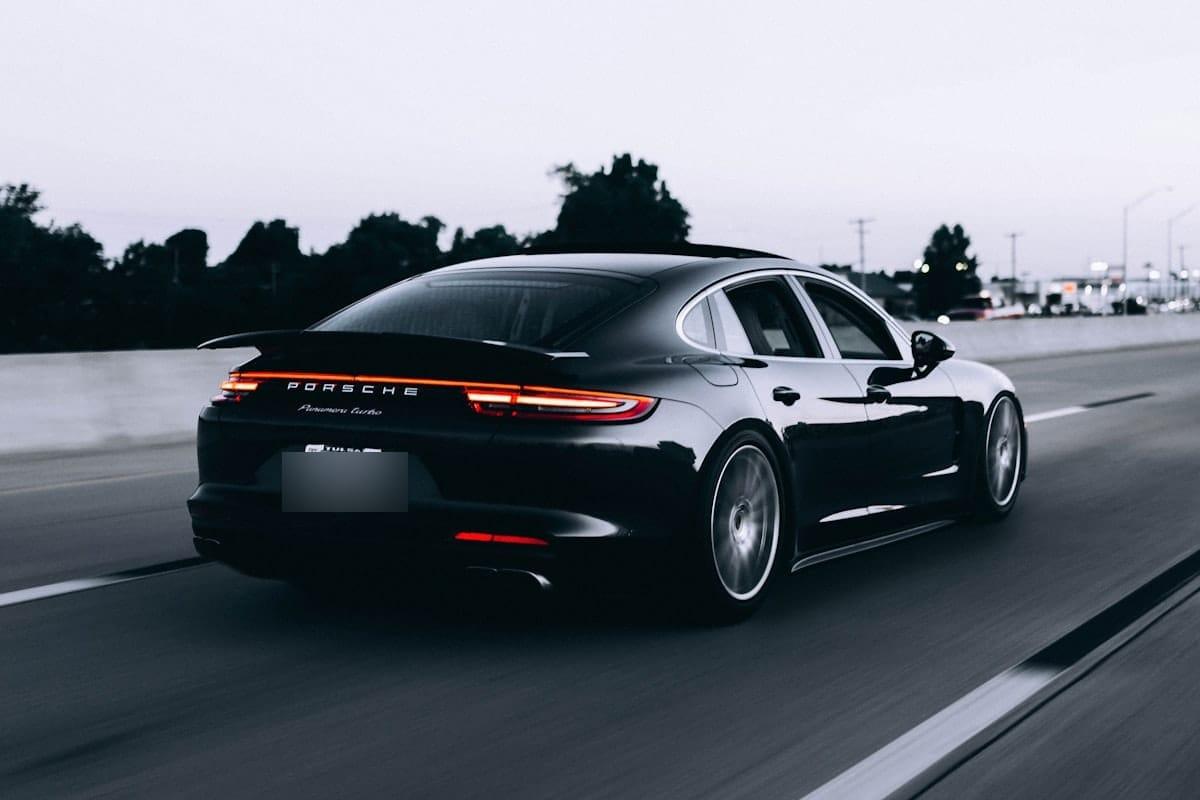
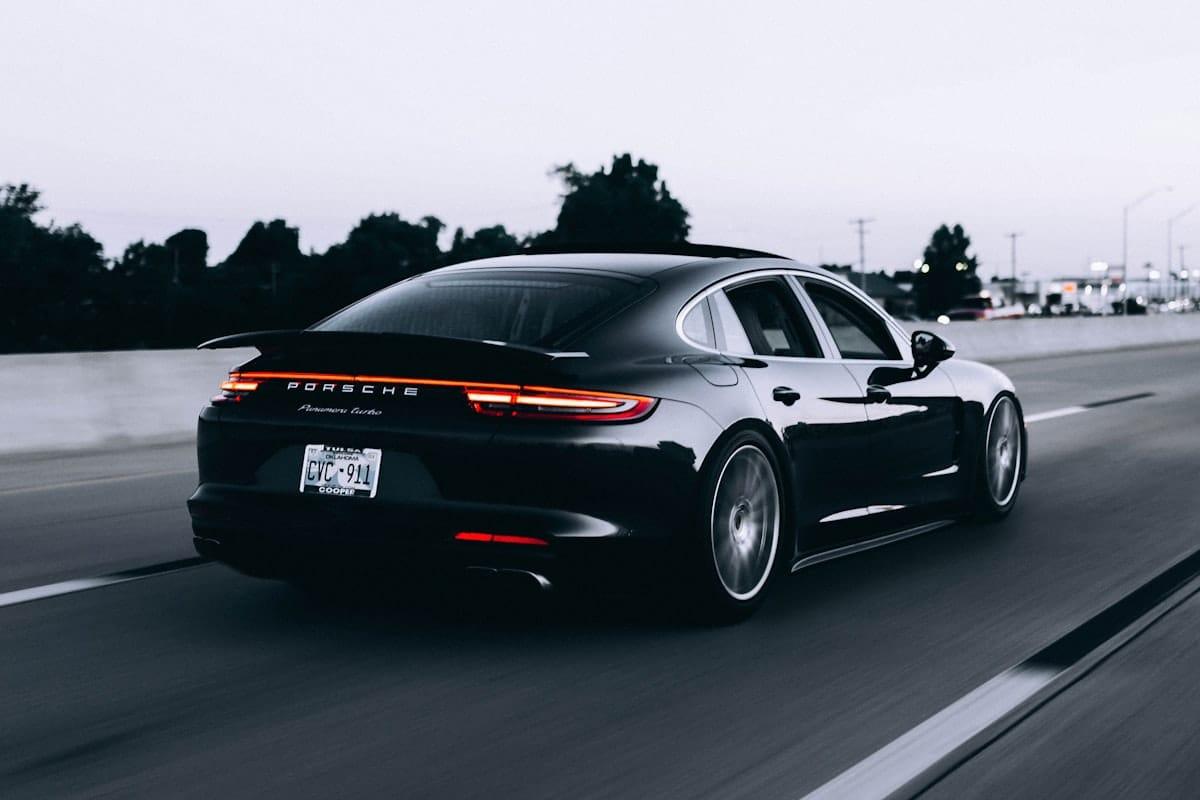
How bulk blurring works.
01
Drop up to 20 photos
JPEG / PNG / WebP / HEIC/HEIF, 20 MB each. They upload straight to encrypted storage — never through our server.
02
Each one is auto-detected
Every photo gets its own pass: license plates via Google Cloud Vision, faces via AWS Rekognition; screens and text are one click away under “Scan for”. Switch between them with the image tabs and adjust any region by hand.
03
Download all as one ZIP
One click exports every image with your blur applied and EXIF stripped, bundled into a single blurify-batch.zip. Originals and exports auto-delete within an hour.
Running a dealership? Read how dealerships blur number plates on listing photos.
Questions, honestly answered.
- Can car dealerships use this for listing photos?
- Yes — the first 5 images a month are free, no watermark, and packs from $1.99 cover the rest. Drop a batch of listing photos and Blurify blurs the plate on every one in a single pass. For the full workflow, see the dealership guide on the site.
- How many photos can I blur at once?
- Up to 20 images per batch, 20 MB each. Drop them all at once or add more as you go. If you routinely need more, send us a note — higher-volume batch processing is on the roadmap.
- Do I get one ZIP or separate downloads?
- One ZIP. 'Download all' bundles every blurred image into a single blurify-batch.zip so you're not clicking through 20 separate downloads.
- Can each photo have different things blurred?
- Yes. Every image is detected independently — faces in one, a license plate in another, a screenshot's PII in a third once you add documents under “Scan for”. Your per-image edits stay separate.
- Are all the photos deleted afterwards?
- Yes — same as single images. Every upload and export auto-deletes from storage within an hour. No accounts, nothing retained.
- Is bulk blurring free?
- Up to 5 images per 30 days, yes. A full batch of 20 goes past that: the first 5 are free and the rest need credits. Packs start at $1.99 for 40 images — no account, and credits never expire.
Clean up the whole folder. Then forget it.
Free, anonymous, deleted within an hour. No account.
Open the editorOne at a time instead? Browse the use cases →