Blur, pixelate, black bar, or an emoji
Censor an image — your way.
Faces, names, screens, anything private — censor it your way. A soft gaussian blur, hard pixel blocks, a solid black bar that leaves nothing behind, or an emoji over the top. Auto-detected where possible, drawn by hand anywhere else.
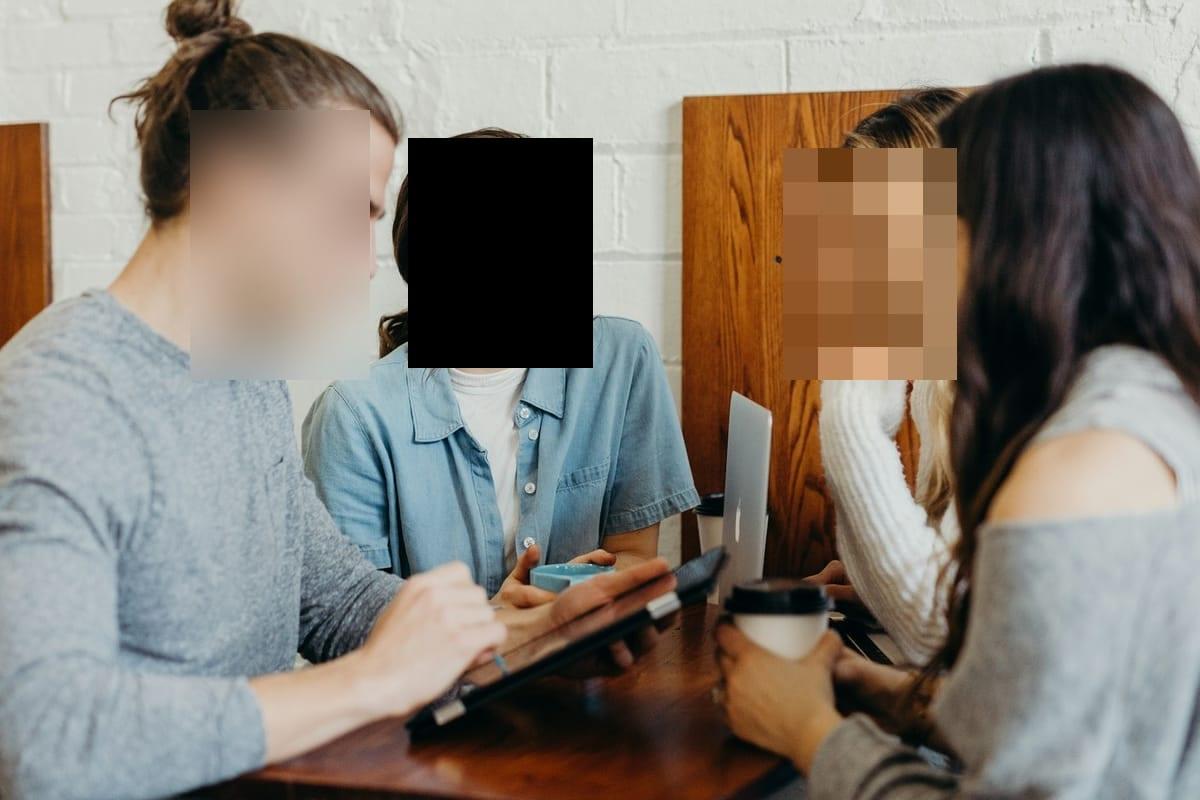
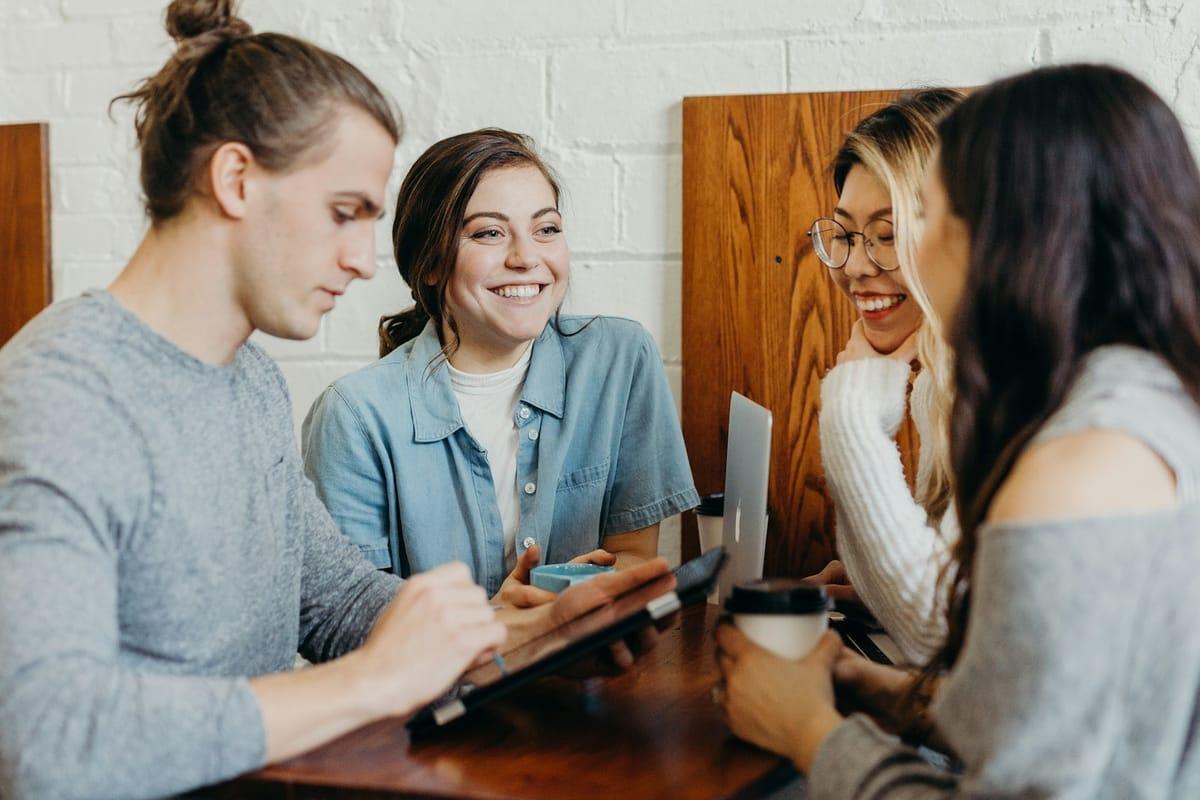
How it works for censor.
Drop the photo
JPEG, PNG, WebP, HEIC/HEIF — up to 20 MB. Faces and nudity are auto-detected the moment the upload lands; plates, documents and screens are one click away under “Scan for”.
Pick regions — found or drawn
Auto-detected regions appear outlined on the canvas. Add your own by dragging a rectangle over anything else that shouldn't be public.
Choose the censor style, export
Gaussian blur, Pixelate, Solid fill (the black bar), a color overlay, or a sticker — set per region, with live preview. Export bakes it in and strips EXIF metadata.
Questions, honestly answered.
- How do I put a black bar over a face?
- Draw a region over the face — or take the one auto-detection already put there — and pick the solid style. That is the black censor bar, and in the export it is a real pixel edit: flat colour in, image data gone, nothing underneath to recover. Black is the default; pick another colour if a bar would be the loudest thing in the shot.
- Blur, pixelate, or black bar — which censors best?
- They hide differently. Blur is subtle and photographic; pixelation is loud and clearly deliberate; a solid bar removes the region's pixels entirely and leaves nothing to squint at. For maximum safety pick Solid fill; for tone, pick what fits the photo — and if it's specifically a face, the Blur faces and Pixelate a face guides go deeper. A sticker is the lightest-hearted option: Hide a face with an emoji walks through it.
- Is a black censor bar really unrecoverable?
- Yes. Solid fill replaces every pixel in the region at export — flat color in, image data gone. Unlike PDF redaction, which notoriously hides text without removing it, a rasterized bar has nothing underneath.
- Can I censor several spots in one photo?
- Yes — up to 100 regions per image, each with its own style. Blur one face, pixelate another, drop a bar over a name tag, all in one pass.
- Do I need a censor app for iPhone or Android?
- No — Blurify runs in the mobile browser on both, with touch controls. Nothing to install, no account, and the export carries no watermark.
- Can it censor video or GIFs?
- No — Blurify censors still images (JPEG, PNG, WebP, HEIC/HEIF); animated GIFs and video aren't supported. For a video, export the frames you plan to share and censor those.
Guides
Try it. Your photo never leaves your hand.
Free, anonymous, deleted within an hour. No account to sign up for, no watermark on the export.
Open the editorOther things Blurify hides for you.
Anonymize people
faces
Blur faces in seconds. Auto-detected, manually adjustable.
See how →
Every face, hidden in one pass
anonymous
Anonymize every face in a photo — found and hidden in one pass.
See how →
Hide a plate, hide the vehicle
plates
Strip a license plate from a car photo before you post it.
See how →
Car number, reg plate — covered
hidden
Hide a car number or reg plate before the photo goes public.
See how →
Hide names, numbers, addresses
documents
Black out names, numbers, and signatures on a document photo or scan.
See how →
Show the bug, hide the data
screens
Sanitize a screenshot before sharing the bug or the chat.
See how →
Block it out
pixelate
Censor a face with hard pixel blocks instead of a soft blur.
See how →
The metadata you can't see
exif
Strip GPS, camera model and timestamps from any photo.
See how →
Names, numbers, anything written
text
Hide names, emails and numbers written anywhere in an image.
See how →
Your home stays private
address
Blur a house number or street sign before a listing goes live.
See how →
One spot, not the whole shot
region
Blur one region of a picture and keep the rest sharp.
See how →
Blur nudity
nudity
Auto-detects nudity per body part. Blur only what needs hiding.
See how →
Emoji face cover
emoji
Put an emoji or a sticker over any face — found automatically, covered completely.
See how →
The room behind you talks
backdrop
Hide the room, the street, or the office standing behind you.
See how →