Blur nudity
Blur nudity in photos — automatically
Drop a photo and Blurify finds nudity automatically — breasts, genitals, buttocks — each as its own region. Hide private parts with a blur, pixel blocks, a black bar, or a sticker, and export a clean copy. No account; your image is deleted within an hour.
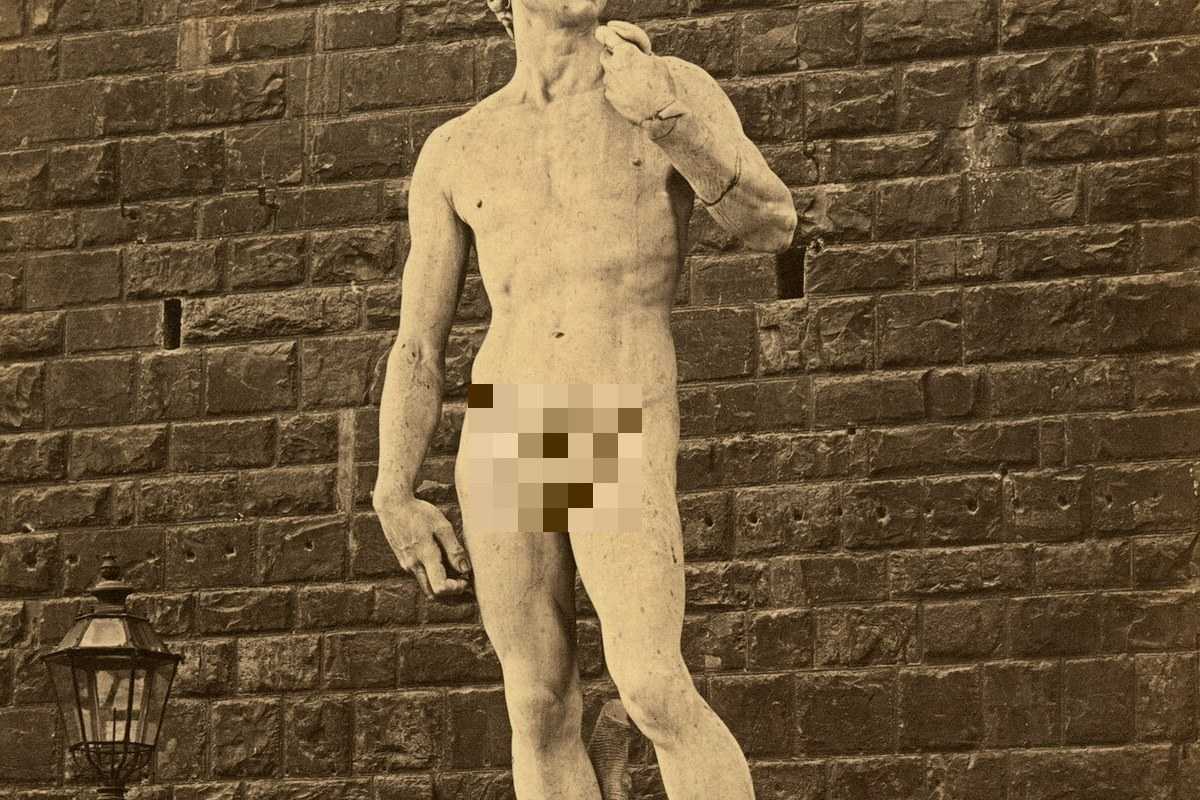
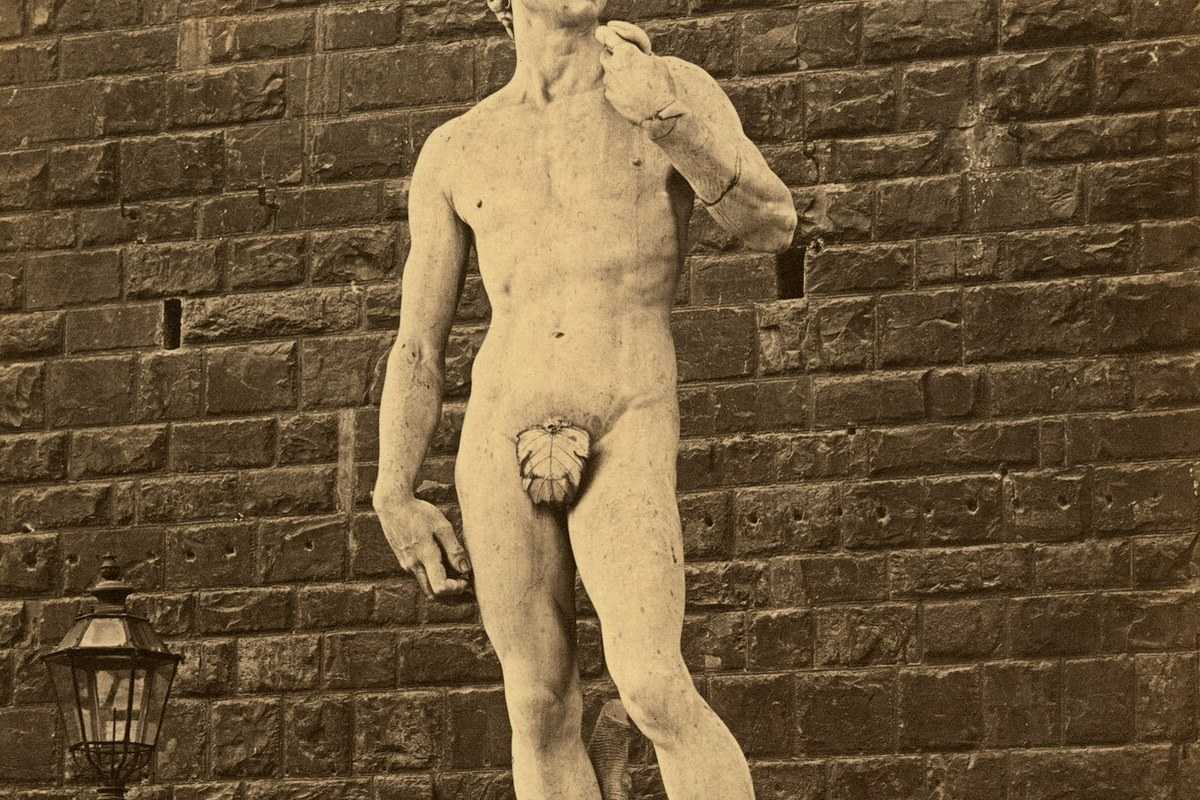
How it works for nudity.
Drop the photo
JPEG, PNG, WebP, HEIC/HEIF — up to 20 MB. Sent directly to encrypted storage, never to a third-party server.
Nudity appears, outlined
The detector finds breasts, genitals and buttocks as separate regions — not one big censor box. Each is outlined on the canvas; toggle any off, or draw your own if something was missed.
Censor each part your way
Pixelate for the classic censored look, gaussian blur for something softer, a solid black bar, or a sticker. Live preview, then export with EXIF and GPS stripped.
Questions, honestly answered.
- Can I blur just genitals, or one body part?
- Yes — that's the point. Each detected part (breasts, genitals, buttocks) is its own region with its own toggle, so you can blur genitals and leave everything else untouched, or hide it all. Anything the detector misses you can cover with a drawn box in two clicks.
- Can I censor nudity with a black bar instead of a blur?
- Yes. Every region supports gaussian blur, pixel blocks, a solid fill (the classic black censor bar), a color overlay, or a sticker — and each region can use a different style. Covering with an emoji works exactly the same way; Hide a face with an emoji walks through the sticker style.
- Does Blurify detect nudity automatically?
- Yes — a detection model scans the photo on our server and outlines exposed breasts, genitals and buttocks with a confidence score. Detection is good but not perfect — weaker on small or low-light details — which is why every region stays editable and you can add your own.
- Are my photos stored or reviewed by anyone?
- No. The image goes straight from your browser to encrypted storage, is processed by the model, and auto-deletes within an hour. No account, no human review, no library of uploads.
- Can I blur nudity in many photos at once?
- Yes — Bulk blur runs the same detection across a whole batch and exports a ZIP. See the Bulk page for limits.
Guides
Try it. Your photo never leaves your hand.
Free, anonymous, deleted within an hour. No account to sign up for, no watermark on the export.
Open the editorOther things Blurify hides for you.
Anonymize people
faces
Blur faces in seconds. Auto-detected, manually adjustable.
See how →
Every face, hidden in one pass
anonymous
Anonymize every face in a photo — found and hidden in one pass.
See how →
Hide a plate, hide the vehicle
plates
Strip a license plate from a car photo before you post it.
See how →
Car number, reg plate — covered
hidden
Hide a car number or reg plate before the photo goes public.
See how →
Hide names, numbers, addresses
documents
Black out names, numbers, and signatures on a document photo or scan.
See how →
Show the bug, hide the data
screens
Sanitize a screenshot before sharing the bug or the chat.
See how →
Block it out
pixelate
Censor a face with hard pixel blocks instead of a soft blur.
See how →
The metadata you can't see
exif
Strip GPS, camera model and timestamps from any photo.
See how →
Names, numbers, anything written
text
Hide names, emails and numbers written anywhere in an image.
See how →
Your home stays private
address
Blur a house number or street sign before a listing goes live.
See how →
Blur, pixelate, black bar, or an emoji
censor
Censor a photo with blur, pixel blocks, a black bar, or an emoji.
See how →
One spot, not the whole shot
region
Blur one region of a picture and keep the rest sharp.
See how →
Emoji face cover
emoji
Put an emoji or a sticker over any face — found automatically, covered completely.
See how →
The room behind you talks
backdrop
Hide the room, the street, or the office standing behind you.
See how →