Your home stays private
Hide your address before the photo goes up.
Selling the house, posting the new flat, listing a couch for pickup — the photo says more than you think. Blur the house number, the street sign, the door plate, before the listing goes live.
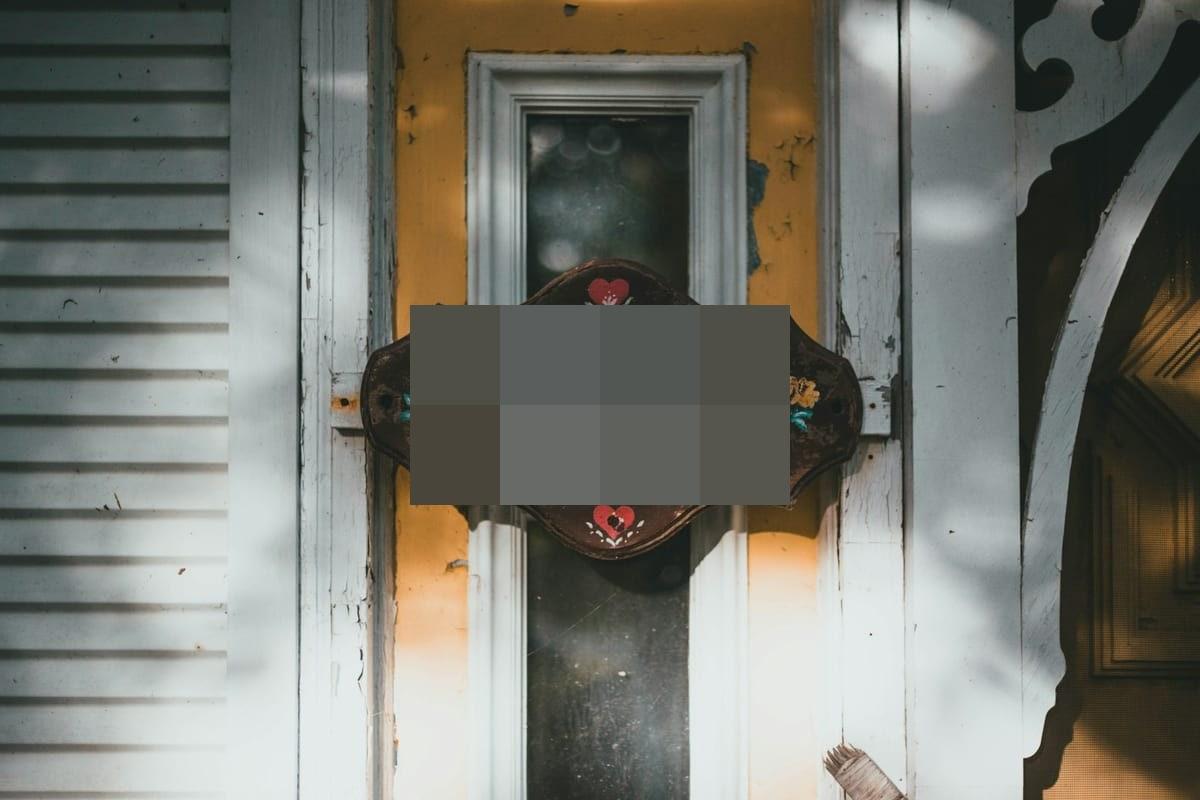
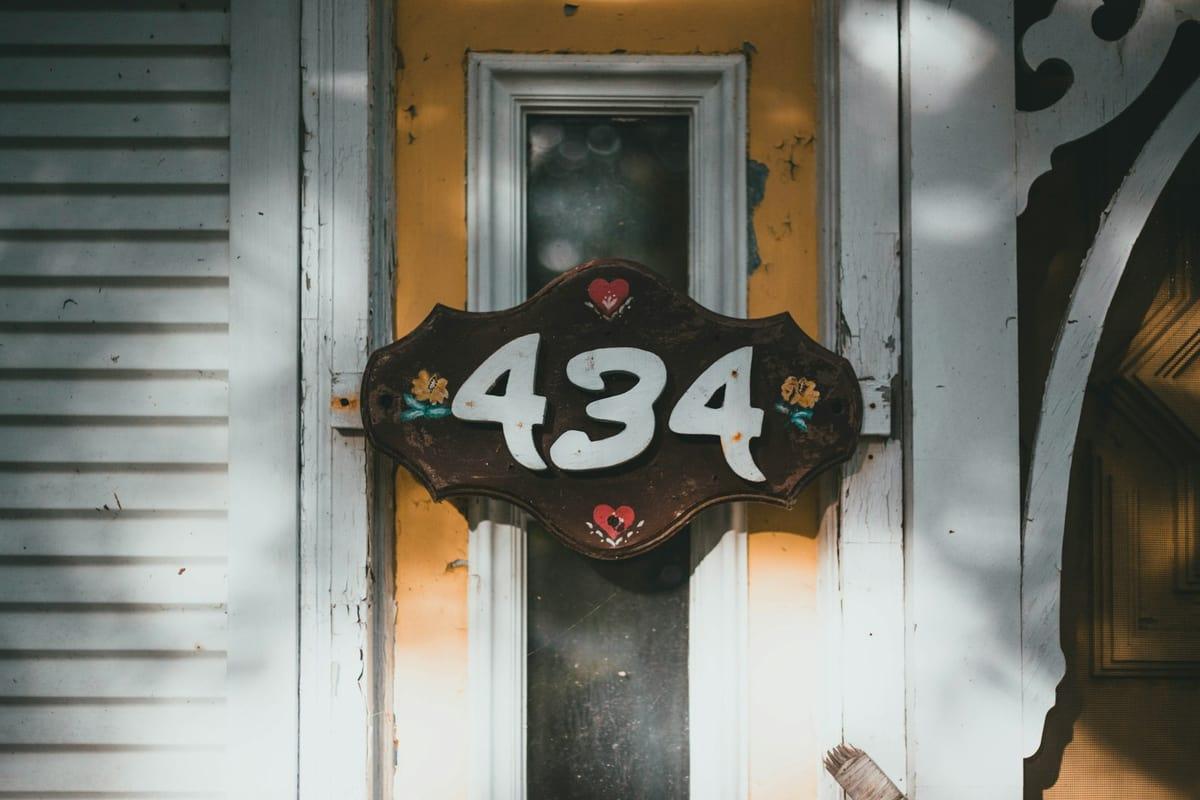
How it works for address.
Drop the listing photo
JPEG, PNG, WebP, HEIC/HEIF — up to 20 MB. Exterior shots, doorways, balconies with the street visible.
Check, then mark what's missed
The Places & signs scan runs as the photo lands and outlines the house number, street sign, or door plate it finds. Check the result, then drag a rectangle over anything it missed — it takes two seconds. A car on the driveway? Its plate is one click away under “Scan for”.
Pixelate and export
Pixelation is the natural style for numbers and signs. Export bakes it in and strips the photo's GPS metadata — which, on a phone photo of your house, is the address in numeric form.
Questions, honestly answered.
- Why hide the address if the listing shows the street anyway?
- Listings usually show an approximate area, not your exact door. The photo's house number — and its GPS metadata — can pin it precisely. Blur one, strip the other (Blurify does both), and the listing stays useful without being a map to your home.
- Does auto-detection find house numbers?
- Mostly, yes. This page opens the editor with Documents & text and Places & signs turned on — the Places & signs scan is an AI pass for house numbers, street signs and door plates, and it catches most of them. Engraved plates and hand-painted digits vary, so check the result and drag a rectangle over anything it missed. Vehicle plates in the same photo are one click away under “Scan for”.
- What else should I blur in a home listing?
- Framed family photos, documents on the fridge, a laptop screen left open, the car's plate on the driveway. Each has its own guide — plates especially.
- Marketplace and moving-sale posts too?
- Same logic, smaller stakes: a couch photo taken by the window can show the building across the street plus your GPS coordinates in EXIF. One pass through Blurify covers both.
Guides
How dealerships blur number plates
Doing a whole shoot in one pass, and keeping the style consistent across a listing.
How to blur your house
Google's Street View request flow, plus the photos you post yourself.
How to anonymize a photo
Pixels, metadata and context — the full checklist before you post.
What your background gives away
The door is only half of it — the street behind you names the address too.
Try it. Your photo never leaves your hand.
Free, anonymous, deleted within an hour. No account to sign up for, no watermark on the export.
Open the editorOther things Blurify hides for you.
Anonymize people
faces
Blur faces in seconds. Auto-detected, manually adjustable.
See how →
Every face, hidden in one pass
anonymous
Anonymize every face in a photo — found and hidden in one pass.
See how →
Hide a plate, hide the vehicle
plates
Strip a license plate from a car photo before you post it.
See how →
Car number, reg plate — covered
hidden
Hide a car number or reg plate before the photo goes public.
See how →
Hide names, numbers, addresses
documents
Black out names, numbers, and signatures on a document photo or scan.
See how →
Show the bug, hide the data
screens
Sanitize a screenshot before sharing the bug or the chat.
See how →
Block it out
pixelate
Censor a face with hard pixel blocks instead of a soft blur.
See how →
The metadata you can't see
exif
Strip GPS, camera model and timestamps from any photo.
See how →
Names, numbers, anything written
text
Hide names, emails and numbers written anywhere in an image.
See how →
Blur, pixelate, black bar, or an emoji
censor
Censor a photo with blur, pixel blocks, a black bar, or an emoji.
See how →
One spot, not the whole shot
region
Blur one region of a picture and keep the rest sharp.
See how →
Blur nudity
nudity
Auto-detects nudity per body part. Blur only what needs hiding.
See how →
Emoji face cover
emoji
Put an emoji or a sticker over any face — found automatically, covered completely.
See how →
The room behind you talks
backdrop
Hide the room, the street, or the office standing behind you.
See how →