Remove the background from any photo
Free · no account · no watermark · full resolution · auto-deleted in 1 hour
Drop images here, or click to upload
Choose files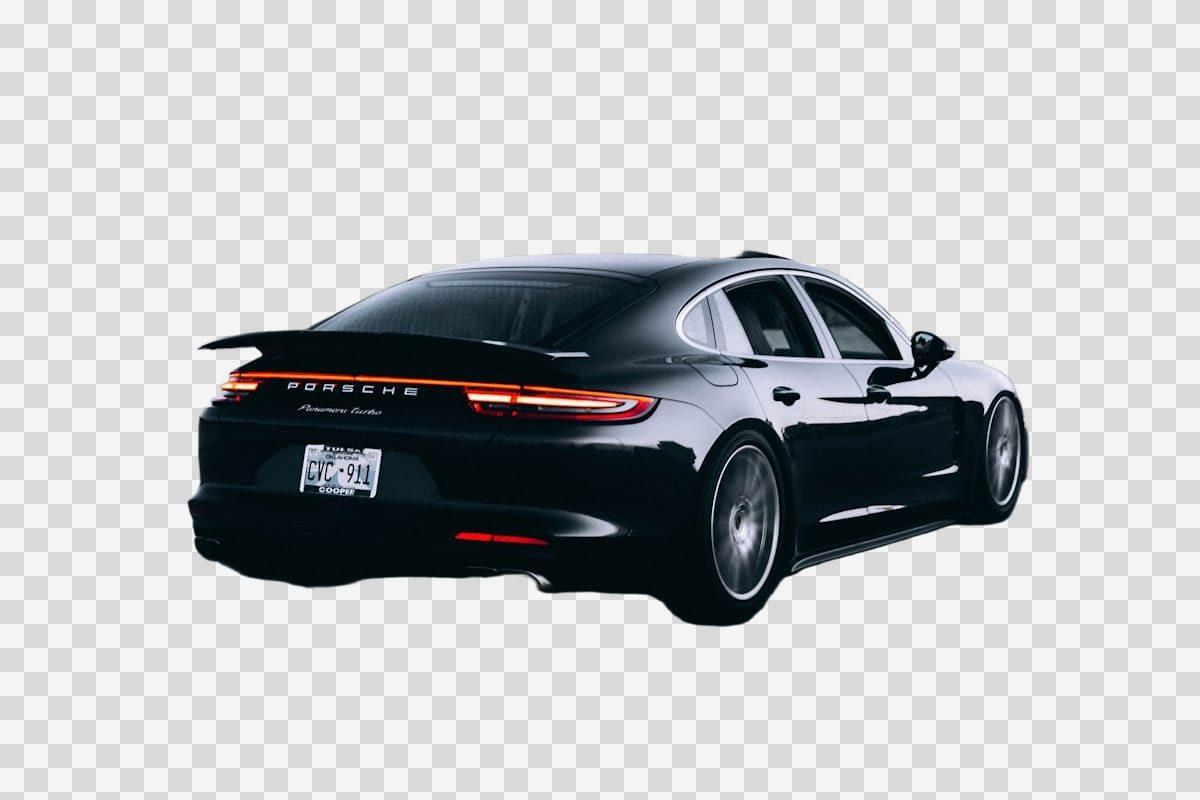
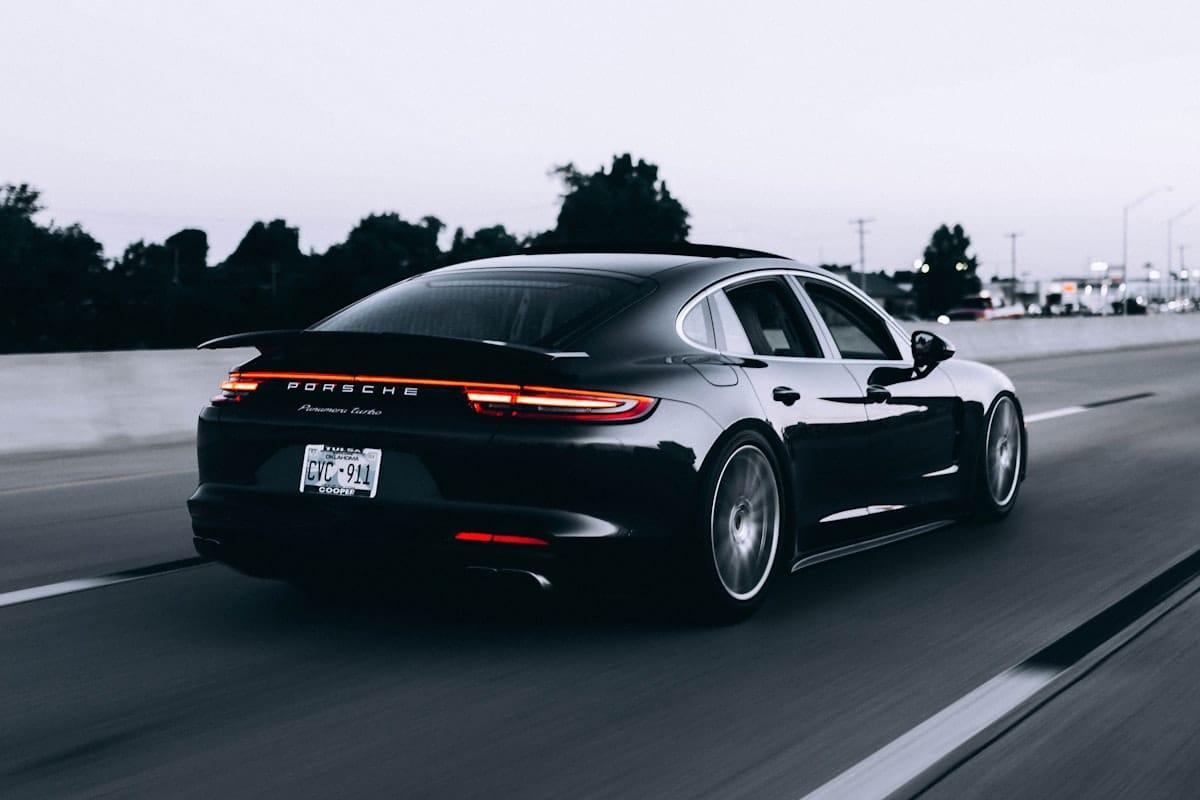
Drop a photo and Blurify finds the subject — a person, a product, a car, a pet — and cuts it out of the scene behind it. The background remover gives you a transparent PNG at the original resolution, ready for a listing, a profile picture or a slide. No account, no watermark, and the upload is deleted within an hour.
What else you can hide
Anonymize people
faces
Blur faces in seconds. Auto-detected, manually adjustable.
See how →
Every face, hidden in one pass
anonymous
Anonymize every face in a photo — found and hidden in one pass.
See how →
Hide a plate, hide the vehicle
plates
Strip a license plate from a car photo before you post it.
See how →
Car number, reg plate — covered
hidden
Hide a car number or reg plate before the photo goes public.
See how →
Hide names, numbers, addresses
documents
Black out names, numbers, and signatures on a document photo or scan.
See how →
Show the bug, hide the data
screens
Sanitize a screenshot before sharing the bug or the chat.
See how →
Block it out
pixelate
Censor a face with hard pixel blocks instead of a soft blur.
See how →
The metadata you can't see
exif
Strip GPS, camera model and timestamps from any photo.
See how →
Names, numbers, anything written
text
Hide names, emails and numbers written anywhere in an image.
See how →
Your home stays private
address
Blur a house number or street sign before a listing goes live.
See how →
Blur, pixelate, black bar, or an emoji
censor
Censor a photo with blur, pixel blocks, a black bar, or an emoji.
See how →
One spot, not the whole shot
region
Blur one region of a picture and keep the rest sharp.
See how →
Blur nudity
nudity
Auto-detects nudity per body part. Blur only what needs hiding.
See how →
Emoji face cover
emoji
Put an emoji or a sticker over any face — found automatically, covered completely.
See how →
The room behind you talks
backdrop
Hide the room, the street, or the office standing behind you.
See how →
Keep the scene, hide it anyway
Blur the background
Leave the room in the photo and soften it until nothing behind the subject reads.
See how →
Hide where the photo was taken
Hide the background
What to do when the wall behind you gives away more than the subject in front.
See how →
How it works
Drop your photo
Add up to 20 images per batch — JPEG, PNG, WebP or HEIC/HEIF, 20 MB each. One subject mask is found automatically on each one, a portrait and a product photo alike; it takes a few seconds per photo.
Check the cutout
The preview shows the cut-out subject on a checkerboard — that is what a transparent background looks like before you drop it somewhere else. Hair, fur and thin edges are kept; blur a face or a plate on top if the photo needs it, and the redaction stays inside the cutout.
Download the PNG
Export a transparent PNG (or lossless WebP) at the full original size, with EXIF and GPS stripped — never a JPEG, which cannot carry transparency. Switch to Blur or Color to keep the background instead of removing it.
Questions, answered
- Is the background remover free?
- Free for 5 images a month — no account, no watermark. Heavier use buys a one-time pack from $1.99, and each uploaded photo counts once however often you re-download it.
- Is this a remove-bg tool?
- Yes — "remove bg" is just how most people type it. Drop the photo, the subject is found for you, and what was behind it is gone. There is nothing to sign up for, and 5 images a month are free.
- Does it keep the original resolution?
- Yes. The photo is never downscaled. The subject is found on a working copy and the cutout is applied to your original pixels, so a 12-megapixel photo exports at 12 megapixels.
- How long does it take?
- Usually five to twenty seconds per photo. The first photo after a quiet spell can take a little longer while the model loads.
- What happens to my photo?
- It is uploaded to private, encrypted storage, processed on Blurify's own servers — never a third-party background-removal service — and deleted within an hour. Nothing is used to train a model.
- Can I get a white or coloured background instead?
- Yes. Pick Color in the Background panel for a flat white background, or type any other hex colour; pick Blur to keep the scene but soften it.
- Does it work for product photos?
- That is the easiest case — a product photo usually has one object and nothing else in the frame. Cut it out and export it transparent for a marketplace listing, or on a flat colour for a slide.