What removing a plate actually means
There are two things "remove" can mean, and they lead to different tools. The first is making the plate unreadable — covering it with a solid block, a pixel mosaic, or a blur so the registration can't be read or recovered. That's a privacy edit, it's what marketplaces and news photos do, and it's what Blurify does.
The second meaning is making the plate vanish — erasing it and painting a plausible bumper into the gap, so the car looks like it never had a plate at all. That's inpainting, a retouching job rather than a privacy one. Blurify doesn't do it, and for most reasons people search for plate removal, it isn't actually what they need.
The test is simple: are you hiding information, or styling a picture? If the goal is that strangers can't read your registration, covering it is a complete answer — and it has the advantage of being obviously deliberate rather than quietly doctored.
Take the plate out in three steps
Drop the photo into the editor — JPEG, PNG, WebP or HEIC/HEIF, up to 20 MB, which takes a phone photo as-is. Google Cloud Vision recognizes vehicle registration plates as their own object class, so by the time the canvas loads there's already a tight box drawn around the plate.
Check the box. If it sits slightly off or the detector missed a plate at a hard angle, it's a draggable rectangle — pull an edge, or draw a fresh one over the plate in a couple of seconds. Cover the whole plate with a small margin, not just the characters.
Pick the style and download. Solid fill is the default for plates and removes the region outright — flat color in, image data gone. Pixelate is one click away and reads as deliberate censoring. The exported file has the edit baked into its pixels and its EXIF metadata, GPS included, stripped.
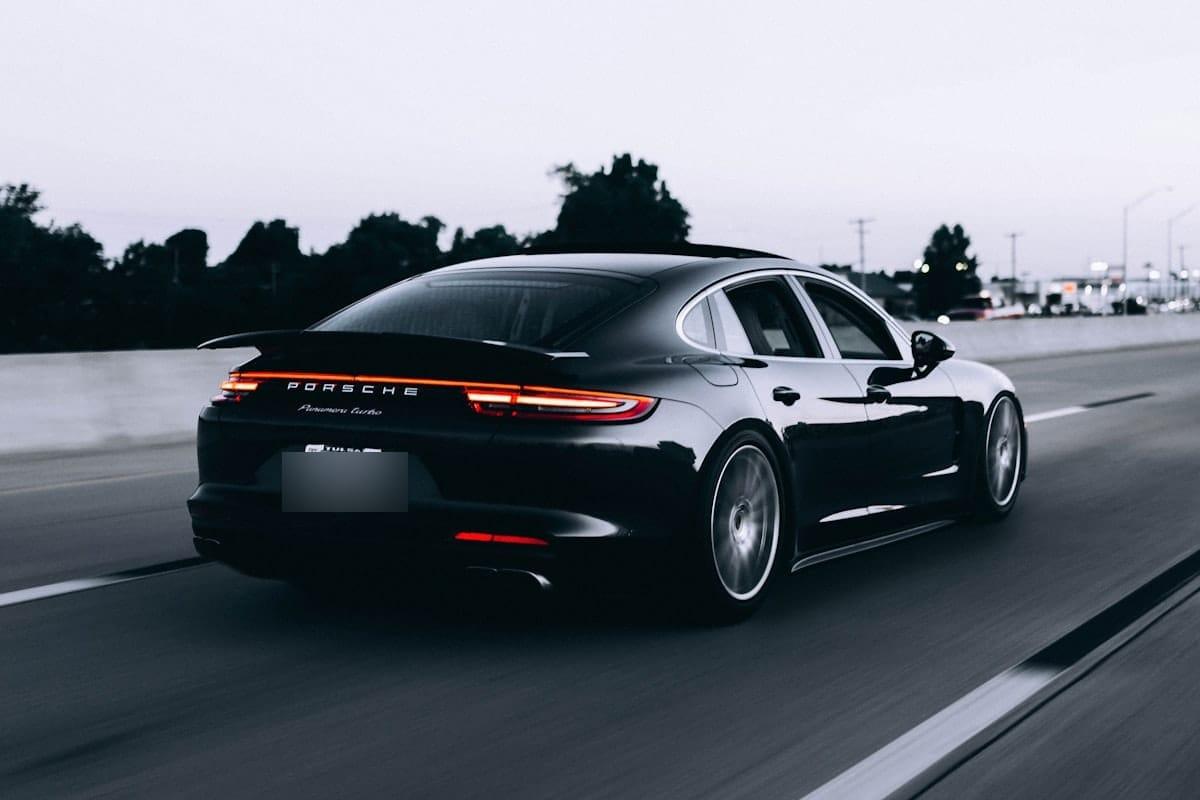
Cover it or erase it — which do you need?
For selling a car, posting to social media, or sharing a dashcam still, covering wins. Buyers and viewers are used to seeing plates blocked out — it reads as careful, not suspicious. A listing photo where the plate has been invisibly erased can actually look odder than one where it's plainly censored, because the car appears unregistered.
Erasing earns its keep in commercial retouching — a hero shot for an ad where the bumper needs to look clean. If that's genuinely your job, you want a retoucher or an inpainting tool, and you should expect to spend more than thirty seconds. For privacy, it's effort spent on the wrong problem.
There's also a middle option worth knowing about: the color overlay style covers the plate with a flat color you pick, so you can match the car's body color and get something quieter than a black box without pretending the plate was never there.
Making sure it can't be brought back
A plate is only removed if it stays removed. Blurify's export is a destructive pixel edit: the region is rewritten when the image is re-encoded, not hidden under a reversible filter or a separate layer. There is no original left inside the file for an un-blur tool to find.
The styles differ in how much they leave to look at. Solid fill leaves nothing — it's the maximum-safety choice for a plate. A generous pixelation is the published-photo convention and is effectively final at plate sizes. Weak gaussian blur is the one to be careful with; research tools have occasionally reconstructed text from light blurs, which is why blur is the third choice for plates, not the first.
The export also strips EXIF metadata. That matters here because a photo of your car often carries the GPS coordinates of where it was taken — usually your home — and removing the plate while shipping the location would be a half-finished job.
Redact vs blur vs pixelateA whole listing's worth of photos
A car listing is rarely one photo. Bulk mode takes up to 20 at once, runs the same plate detection over each image separately, lets you review every box, and returns one ZIP with all the exports — each with the plate covered and metadata stripped.
Keep one style across the set — pixelate throughout, or solid fill throughout — so the listing looks consistent instead of patchworked. Pick it once and apply it as you go through the tabs.
Bulk blur up to 20 photos