Blur a plate in three steps
Start by dropping the photo into the editor. JPEG, PNG, WebP and HEIC/HEIF all work, up to 20 MB per image, so a photo straight off a phone needs no conversion first. It doesn't matter whether you shot the car from the rear, the front, or at an angle in a parking lot; the plate only has to be visible to you for it to be worth hiding.
The plate region appears on its own. Google Cloud Vision's object localization recognizes "Vehicle registration plate" as its own object class, so you get a box drawn tightly around the plate rather than a vague guess at the front of the car. If the box sits slightly off — a little high, a little narrow — it's a draggable rectangle. Pull an edge until the plate is fully inside it.
Then pick how it gets hidden and export. A solid block is the default for plates — flat color in, image data gone — and it is the right answer most of the time. Pixelate and gaussian blur are one click away, along with a flat color overlay if you want the covered area to match something in the shot. The download is a re-encoded image with the change baked into the pixels, and EXIF metadata — including the GPS coordinates your phone wrote into the file — is stripped on the way out.
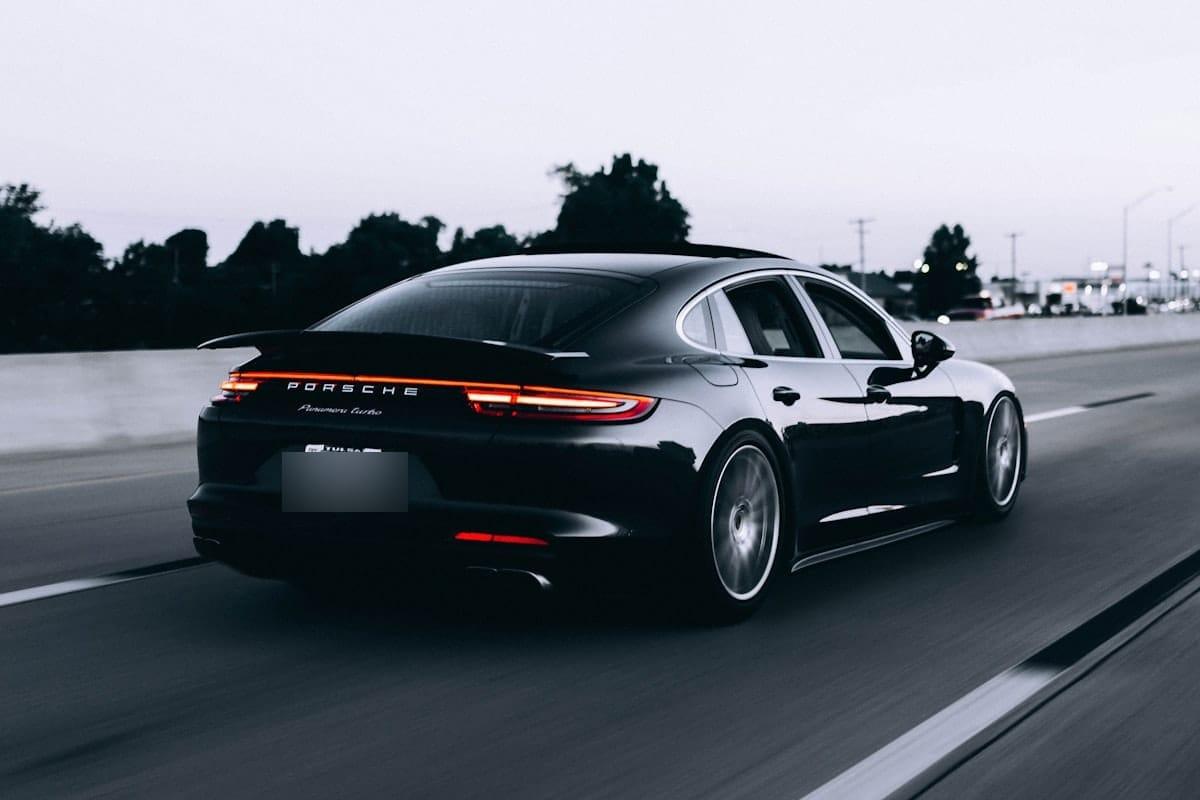
If auto-detect misses the plate
Detection is good, not psychic. The cases where it struggles are predictable: a plate seen at a sharp oblique angle so the characters are compressed to a sliver, a plate partly hidden by a tow bar, a bike rack, road dirt or the car in front, and motion blur from a shot taken through a windshield at speed. A plate that occupies twenty pixels in a wide landscape photo is also a lot to ask.
When that happens you draw the region yourself. Drag a rectangle over the plate and it behaves exactly like a detected one — same styles, same export path, no difference in the finished file. It takes about two seconds, which is usually faster than fighting with a detector anyway.
Whether the box came from detection or from you, give it a small margin. Cover the whole plate, not just the characters: the edge of one digit is often enough for someone to narrow down the rest, and a partially covered plate looks careless in a listing. A few pixels of the surrounding frame costs you nothing.
Blur, pixelate, or block out?
Pixelation is the convention in published photography, and the reason is about reading the image rather than about math. Hard mosaic blocks look deliberate. Nobody who sees a pixelated plate wonders whether the camera slipped; they understand that someone removed the information on purpose.
Gaussian blur is softer and often prettier, which is exactly its weakness on a plate. A gently blurred plate can read as depth of field, as though the back of the car simply fell outside the focal plane. It also holds more of the original structure than the other two styles do, so if certainty matters more than looks, it is not the one to reach for.
Solid fill is the maximum-safety option. The region becomes flat color and nothing of the original pixels survives underneath, so there is nothing to sharpen, enhance or reconstruct. It looks blunt, but on a plate that bluntness is honest. If you want the longer comparison, the next guide takes all three apart.
Redact vs blur vs pixelateLicense plate, number plate, registration plate — same thing
Americans say license plate. In the UK, Australia and New Zealand it's a number plate, and in India people ask about the car number. The paperwork in most places calls it a registration plate. They all name the same rectangle bolted to the same bumper.
Blurify doesn't ask you which one you meant. The detector's object class is "Vehicle registration plate", so a white-on-yellow British rear plate, a European blue-band plate and a US state plate are all the same kind of thing to it. There's no country setting to pick and nothing to configure before you upload.
Shape is what actually changes the difficulty. Long single-line plates facing the camera are the easy case. Stacked multi-line and square plates — common on some UK imports, older European vehicles, motorcycles and Japanese domestic cars — are harder for detection to box cleanly, and that's the moment to stop waiting and draw the rectangle yourself.
Doing it on your phone
The editor runs in the mobile browser on iPhone and Android. There is nothing to install, no app-store detour, and no account gate between you and the export. If you just photographed the car in the driveway, you can blur the plate and post the listing without moving the file to a laptop.
The controls are built for touch: tap a detected region to select it, drag its corners to resize, drag the middle to move it. HEIC photos from an iPhone upload as they are, and the export comes back without a watermark.